Harvest It
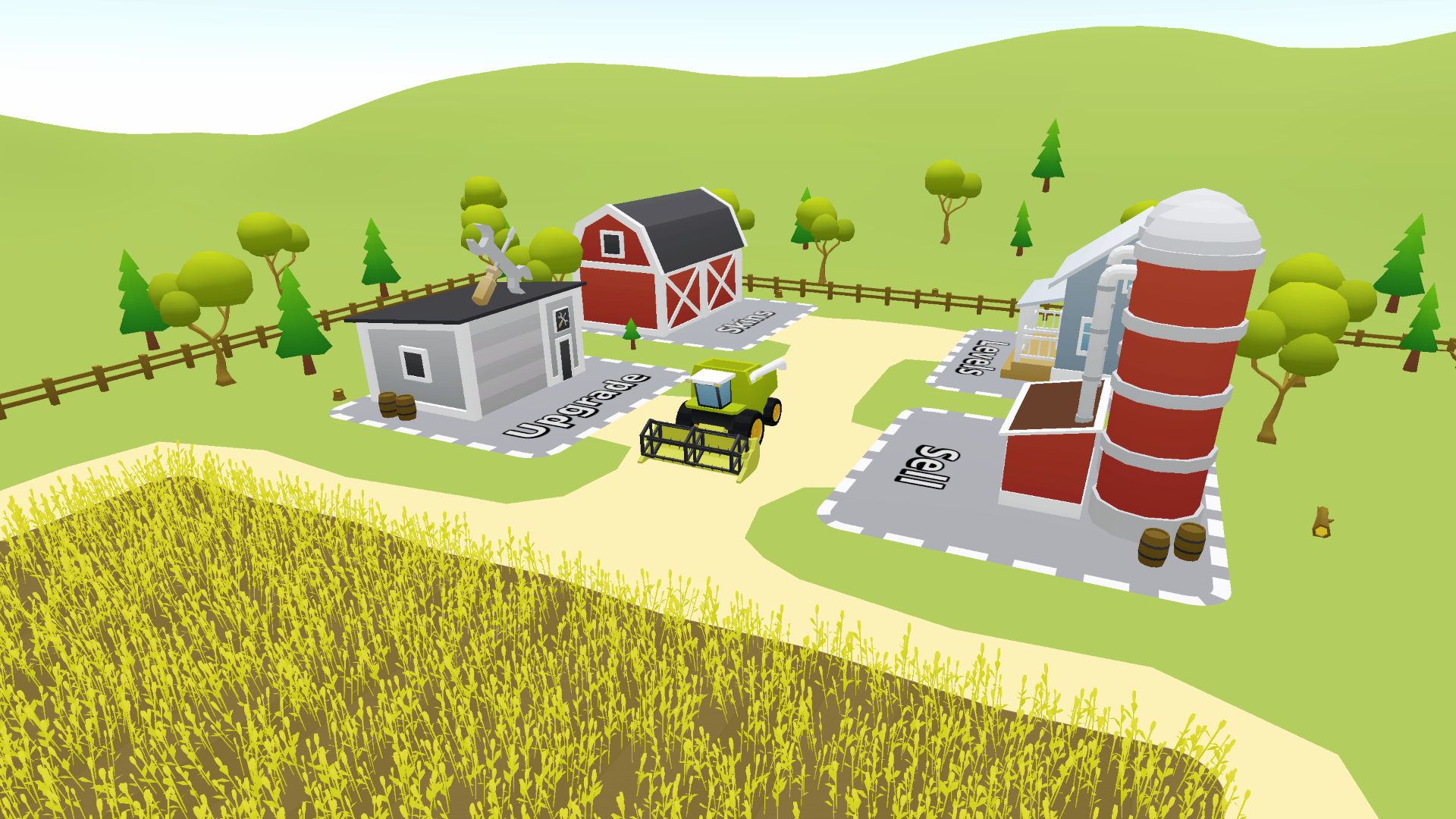
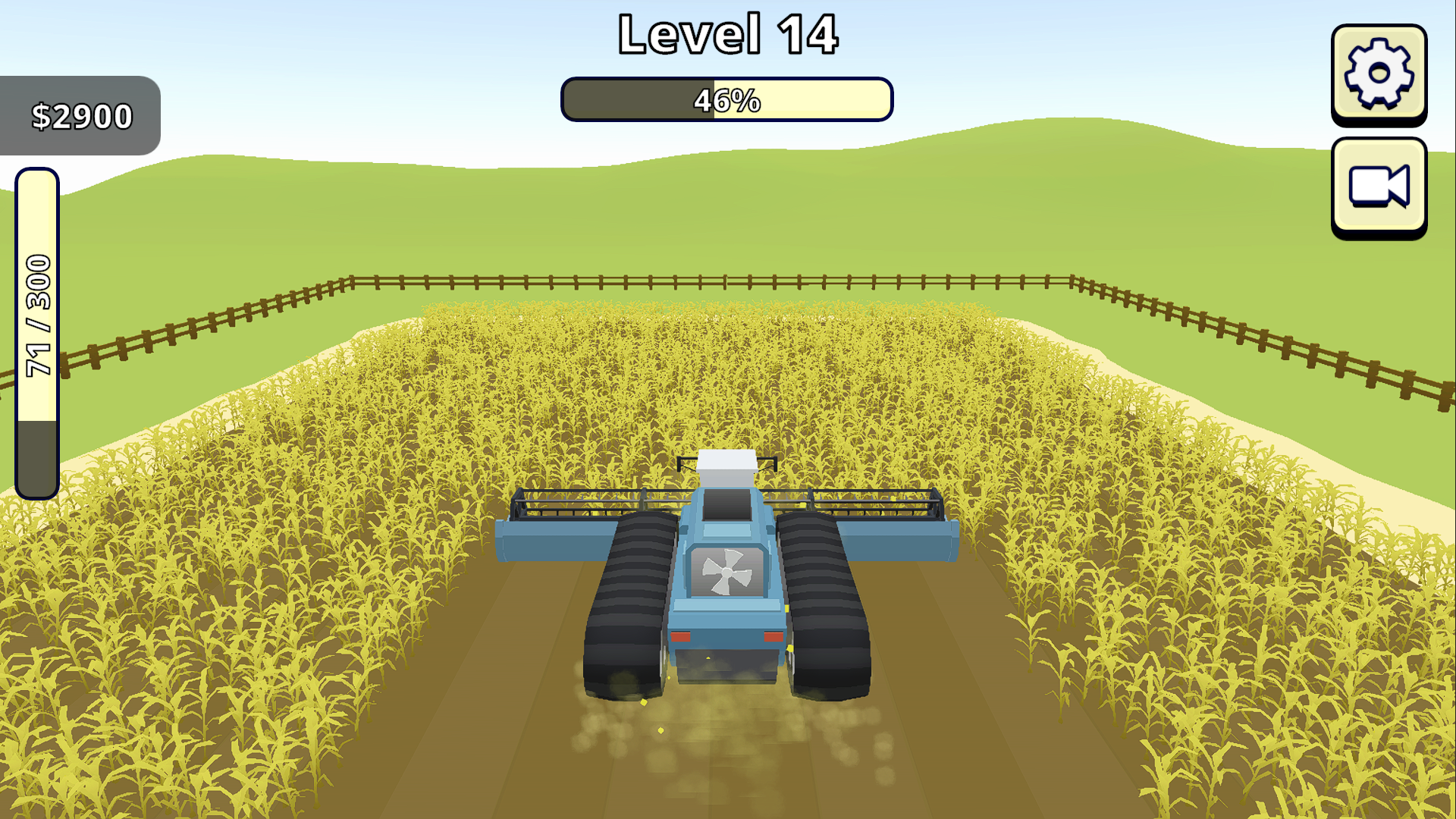
Harvest It is a hyper-casual farming game focused on relaxing, stress-free gameplay and the satisfying experience of harvesting entire fields.
The WebGL version can be played using WASD or the arrow keys.
The game was originally designed for mobile devices. After optimization and profiling, I was also able to create a fully playable WebGL version.
All 3D models used in the game were created by me in Blender. The gameplay systems were programmed in C#.
The WebGL version also works on mobile devices, but only in landscape orientation. For Android phones, the native APK version available below is recommended.
Current features
- Fully responsive Android version supporting portrait and landscape orientations
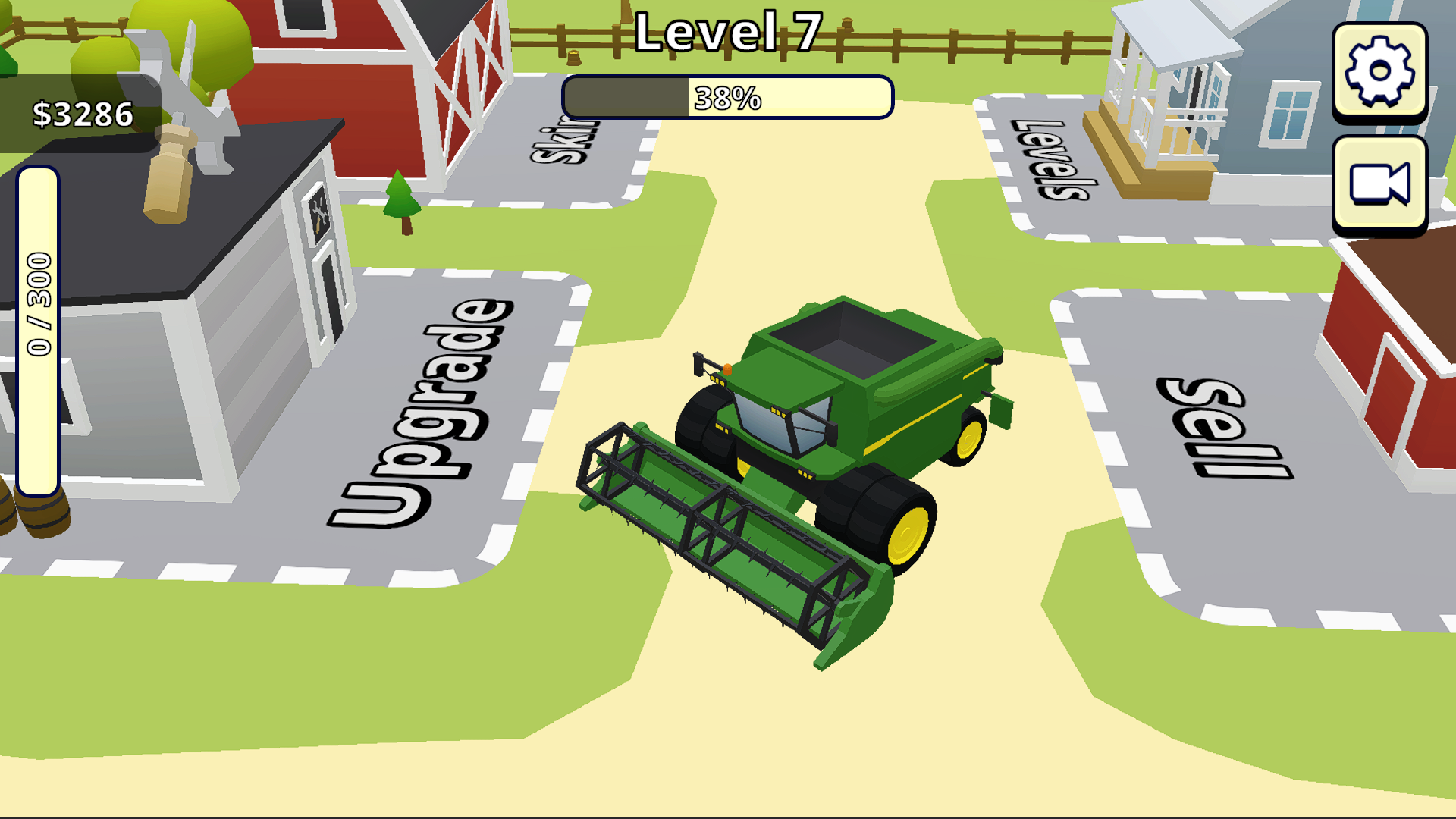
- Two control methods: buttons or joystick
- Crop selling system
- Engine, header and grain tank upgrade systems
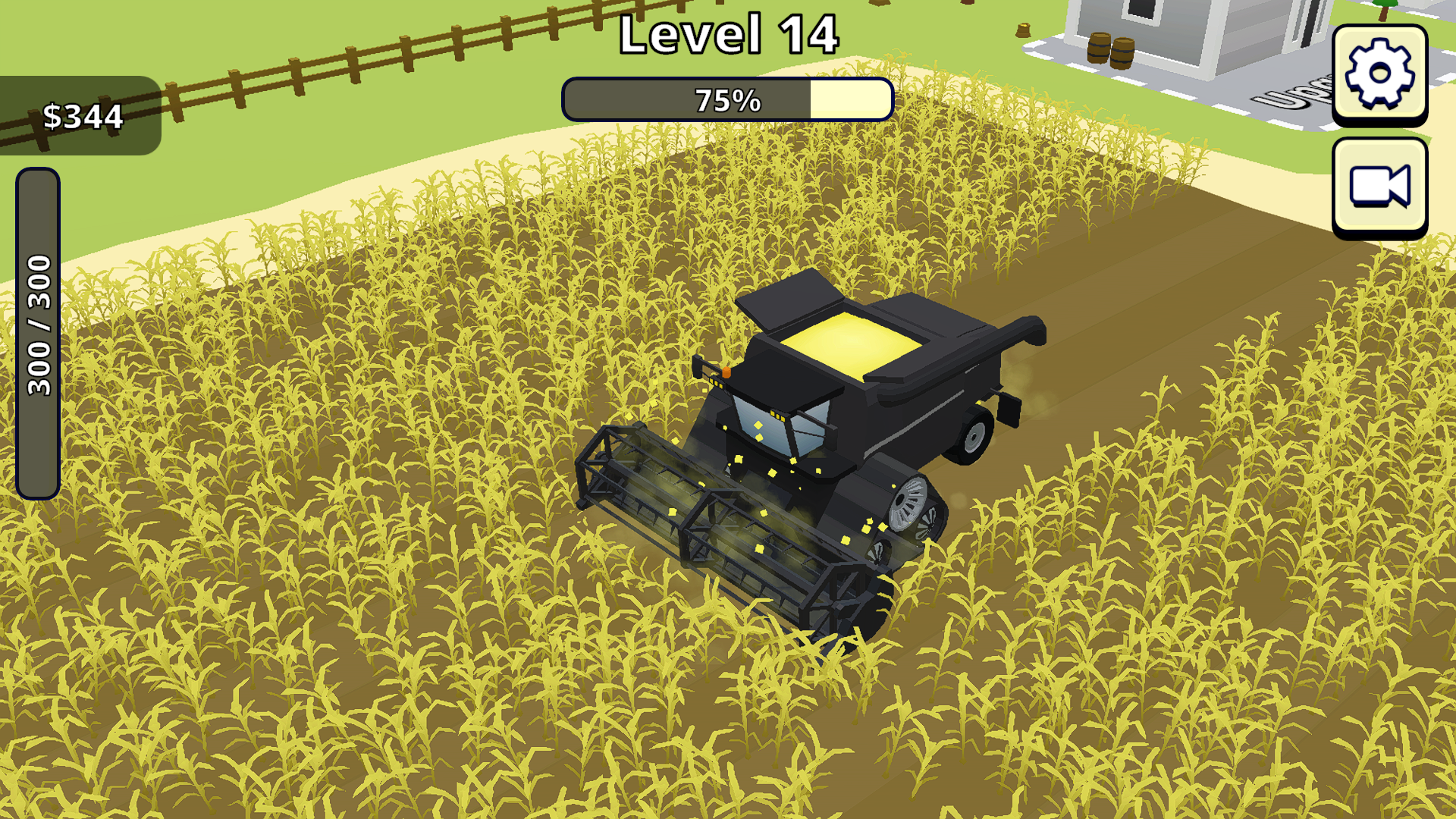
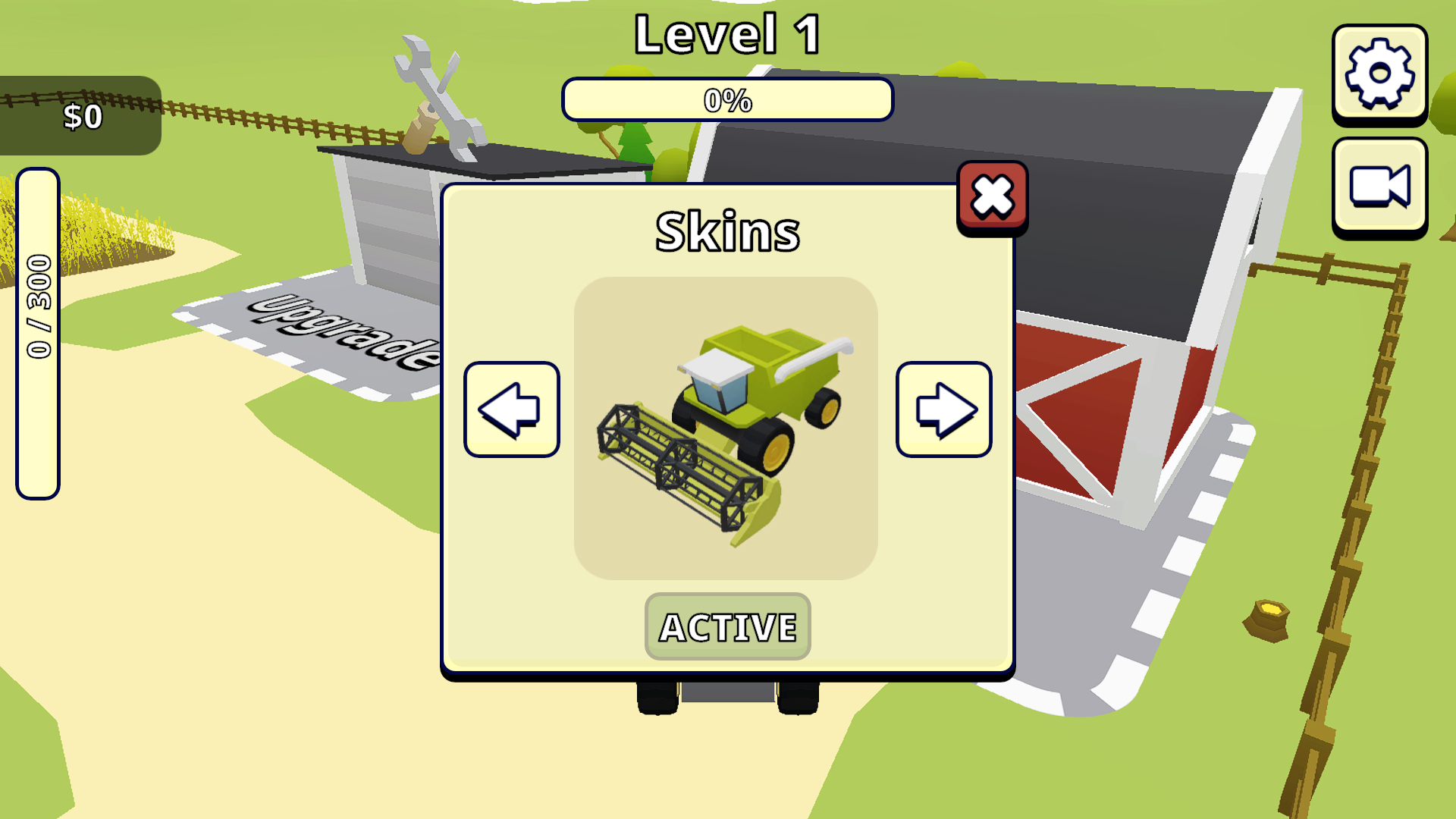
- Skin system with six unique combine harvester skins
- Level manager with 20 levels
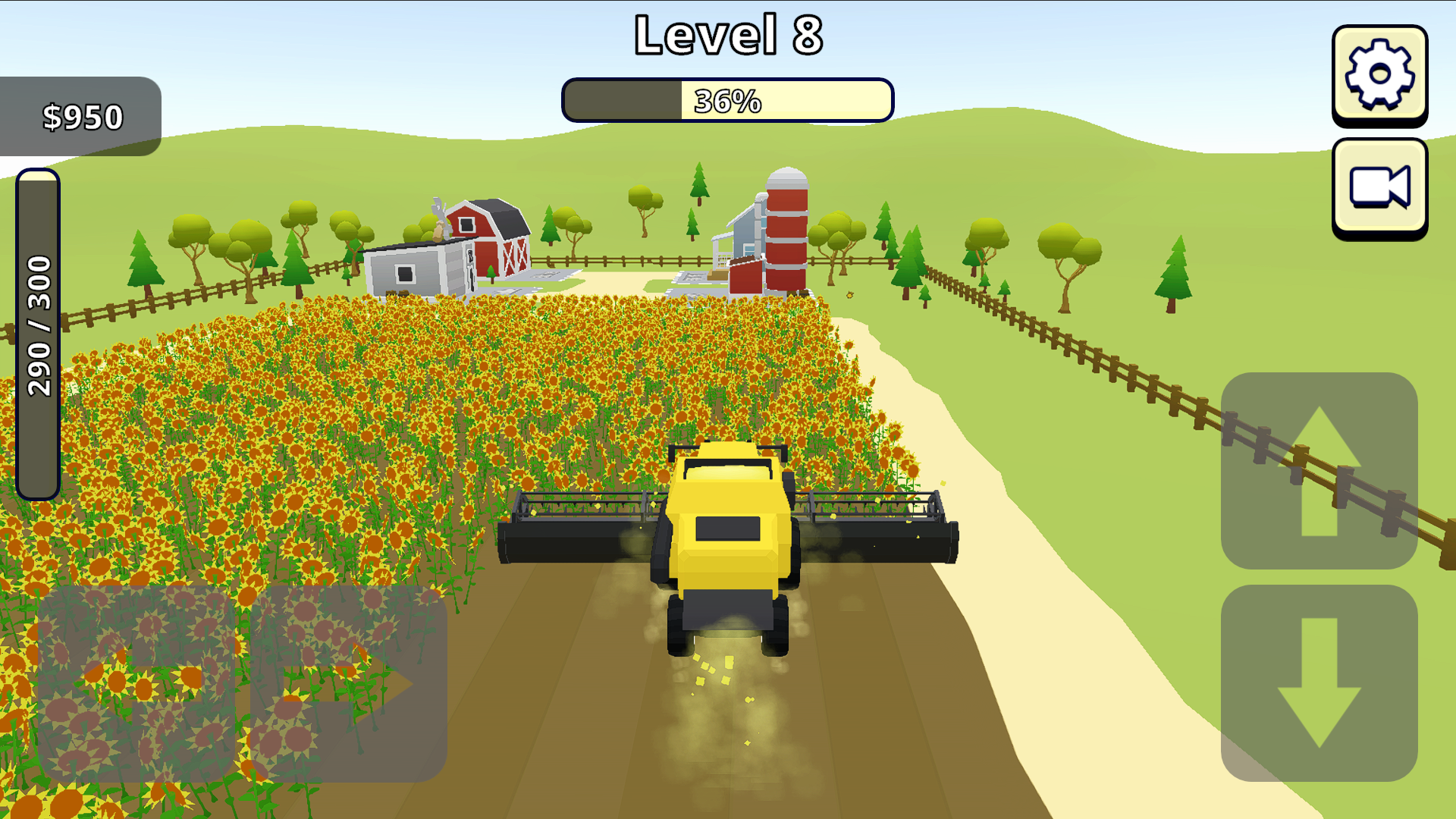
- Particle effects for harvesting and dust from the wheels
- Animated wheels and tracks
- Functional harvesting header with raising and lowering animations
- Rotating cutting mechanism
- Visual grain tank filling system
- Five camera perspectives created with Cinemachine
Planned features
- Audio and sound effects
Download
Click download now to get access to the following files:
Development log
Comments
Log in with itch.io to leave a comment.
I've been searching for a game like this that isn't as complex as "Farming Simulator", and I'm excited to try it out when I have some time. I would also appreciate it if you could create a downloadable version that we can play directly on "Windows", if possible. Thank you!
Thank you for the suggestion! A downloadable Windows version is now available on the game page. I hope you enjoy it, and I would be happy to hear your feedback!
@AmiPolygon
( Introduction )
First of all, I want to say that it’s a great game, and I enjoyed it very much. I’ve always wanted a simple game like this after seeing combine harvesters in "Farming Simulator," but I didn't want the complexity of that game. I appreciate that your game keeps the gameplay straightforward.
Thank you for providing the "Windows" version of the game. I played through all 20 levels last night on the "Web" version, and I've messed with the "Windows" version too. Here is my feedback.
( Interactive Zones )
The four interactive areas... "Upgrade," "Skins," "Levels," and "Sell" work really well. However, I would recommend moving the harvesting fields a bit further away from the "Upgrade" and "Sell" areas. While harvesting, I often have to turn around near them and accidentally trigger the "Upgrade" pop-up window, which disrupts gameplay.
( UI Arrows )
Additionally, I suggest removing the "Arrows: UI" when using keyboard controls, as I don’t think they are necessary and they take up valuable screen space.
( Controls )
When using the "Keyboard" for control, when you completely harvest the field, the menu pops up to let you collect your money and continue. Please allow the use of the "Arrow" and "WASD" keys to cycle through the two options and the "Enter" key to accept the option. This way, you don't need to use your "Mouse" to do this input.
When using the "Mouse" for controls, the "Mouse Wheel Scroll" would be nice to cycle through camera angles.
A full listing of controls on the game page would be nice too. I just now realized that "Space" would raise and lower the blades.
( Web Version Of Game )
I noticed that the "Web" version doesn't fill the screen in fullscreen mode, although this issue is resolved in your new "Windows" version. It might be worth addressing this for "Web" users as well if you can.
( Windows Version Of Game )
The "Windows" version needs a "V-Sync" option, as the game is pushing almost "1000 FPS", which just makes the "GPU" work harder than needed, not to mention loud "GPU" fans. Maybe offer a "V-Sync" option to lock at "60 FPS" and/or "120 FPS". Obviously, the user could force this on through "Nvidia Control Panel", but it would be better to address this directly in the game's settings.
It wouldn't hurt to put a "Fullscreen" option in there so you don't have to press "ALT-Enter" each time you play.
( Sound Effects / Music )
You mentioned that you’ll be adding sound effects, which would be a nice addition. If you decide to include background music, please consider adding a slider so players can turn it off if they prefer only sound effects.
( Environmental Elements )
Consider adding more trees or bushes outside the fence area for enhanced visual appeal.
( Conclusion )
Overall, I think you have a great foundation for your game, and I hope this feedback helps you in your development. I’m also happy to provide more feedback or playtest as you make improvements.
Take care! :)
Thank you so much for playing through all 20 levels and for taking the time to share such detailed feedback! I’m truly grateful for all your suggestions. They are very helpful and will allow me to improve the game in future updates. Thank you again for your support! :)
You're welcome; glad to help. :)